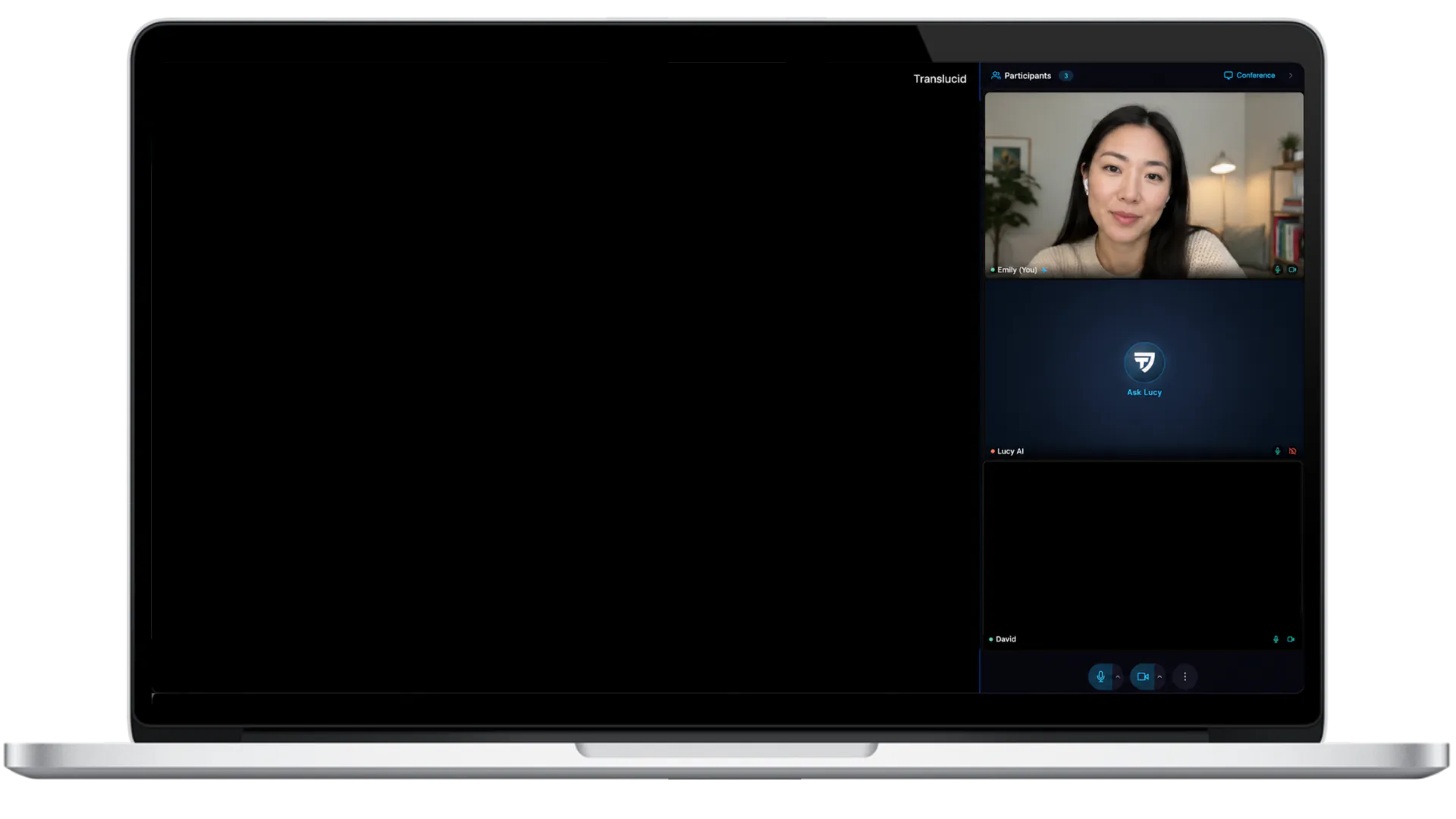
Your laptop isn't the room.
It's the window.

The meeting runs inside an isolated Qube room. Input travels in; protected video, audio, and workspace come back out.

Infrastructure Reimagined

Meeting infrastructure reimagined

  • Qube controls the security-critical path from session runtime to protected output.
  • Protected streaming and encryption baked into the transport
  • Audit logs and session controls built into the room itself

Same interview.
Different trust boundary.

Conventional conferencing

.:%%:. :#@@@@#: %%*::*%% :%@@@%: :%%: .:####:. :%%####%%: %%%####%%% .:%%:. :#@@@@#: %%*::*%% :%@@@%: :%%: .:####:. :%%####%%: %%%####%%% LOCAL RENDERParticipant A .:%%:. :#@@@@#: %%*::*%% :%@@@%: :%%: .:####:. :%%####%%: %%%####%%% .:%%:. :#@@@@#: %%*::*%% :%@@@%: :%%: .:####:. :%%####%%: %%%####%%% LOCAL RENDERParticipant B
The connection is protected.
The endpoint still renders the room.

Qube moves the trust boundary.

Qube
.:%%:. :#@@@@#: %%*::*%% :%@@@%: :%%: .:####:. :%%####%%: %%%####%%% .:%%:. :#@@@@#: %%*::*%% :%@@@%: :%%: .:####:. :%%####%%: %%%####%%% ABQube secure room .:%%:. :#@@@@#: %%*::*%% :%@@@%: :%%: .:####:. :%%####%%: %%%####%%% .:%%:. :#@@@@#: %%*::*%% :%@@@%: :%%: .:####:. :%%####%%: %%%####%%% QUBE · 8D-2048VIDEO BLOCKEDUNSUPPORTED BROWSERPROTECTED WINDOWParticipant ACamera, microphone, keyboard, and pointer input .:%%:. :#@@@@#: %%*::*%% :%@@@%: :%%: .:####:. :%%####%%: %%%####%%% .:%%:. :#@@@@#: %%*::*%% :%@@@%: :%%: .:####:. :%%####%%: %%%####%%% QUBE · 8D-2048VIDEO BLOCKEDUNSUPPORTED BROWSERPROTECTED WINDOWParticipant BCamera, microphone, keyboard, and pointer input
The room stays in Qube.
The endpoint becomes the window.
Protected Media

Research that made Qube
Invisible to Agents

Qube applies protected-media technologies used for high-value streaming to the live interview path, combining DRM/CDM playback with Qube's isolated room and session controls.

See compatibility & security research
Acoustic Leakage Defense

If the room hears it,
Qube shuts it.

Protected video means little if the conversation can leak through the speakers. Qube monitors the audio path for signs that protected interview sound is escaping into the room and being picked back up by a microphone. When leakage is detected, Qube can stop the protected audio and require headphones before the interview continues.

The stream stays protected all the way to the participant's ears.

Second-device protection

One shows the candidate.
The other shows the room.

A laptop camera only shows what is directly in front of it. Qube can pair a second device to provide an independent live view of the candidate's surrounding workspace, including the desk, hands, screens, and environment around the interview. For higher-assurance sessions, Qube can require that second view to remain connected throughout the interview.

Protection that continues beyond the laptop camera.
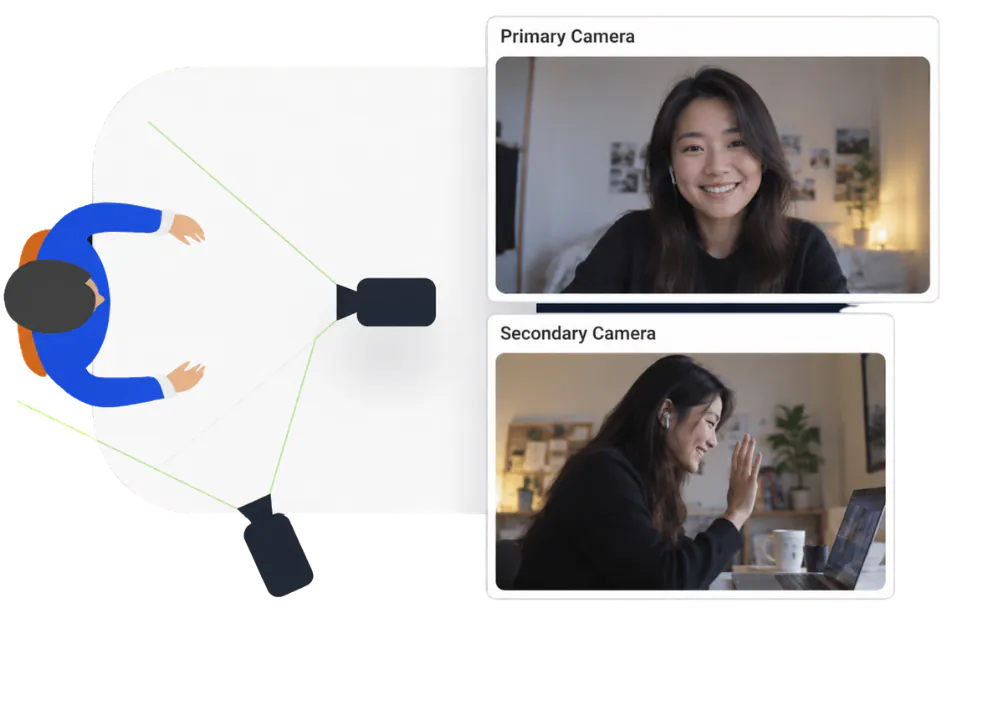
Primary and secondary camera views of the same interview
Sealed from the outside

Qubeprotects the room
instead of policing the device.
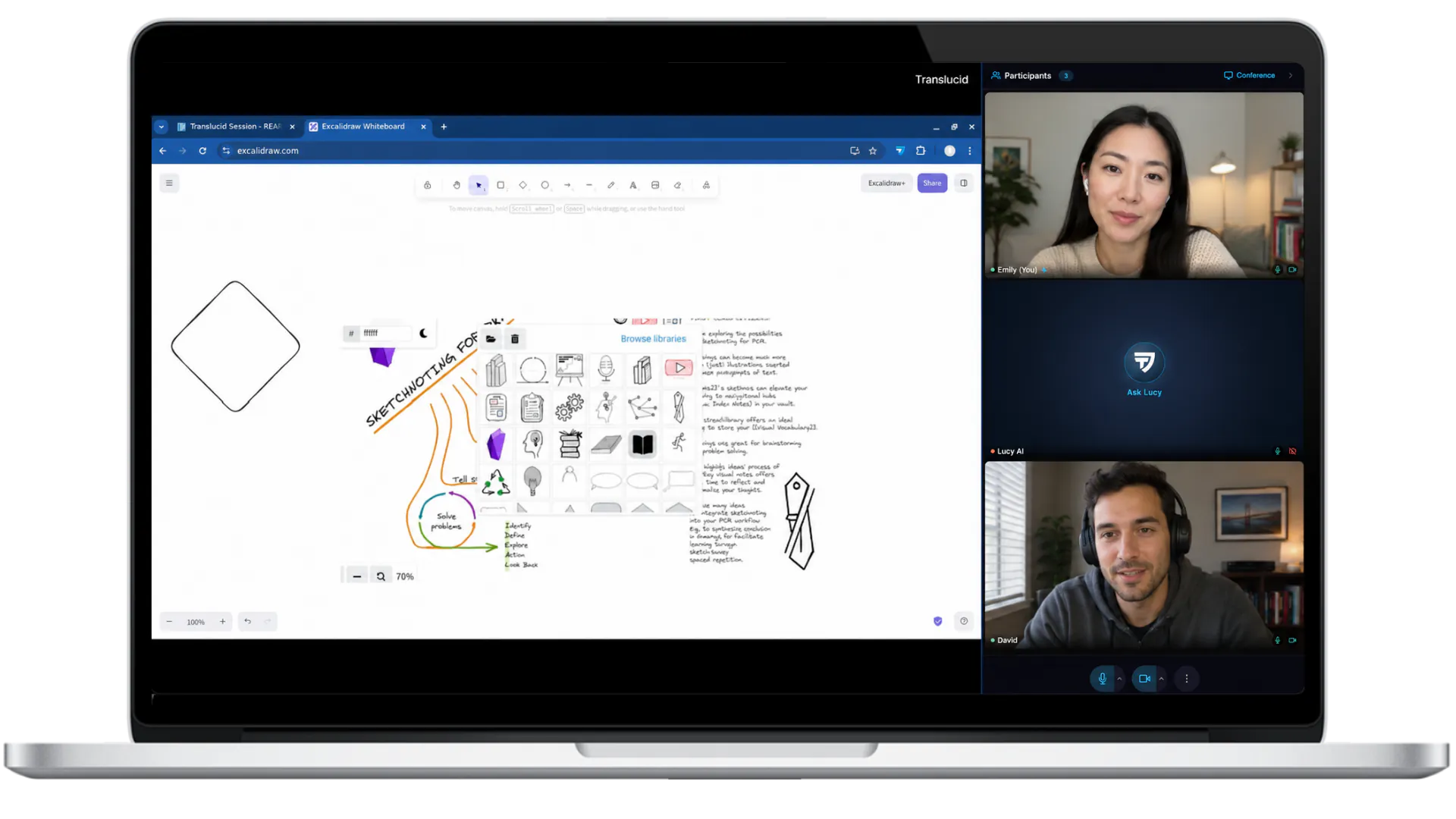
The full collaborative workspace as seen by participants insideThe same session as seen from outside — empty/invisible
Inside viewOutside view

FAQ

Zoom, Meet, and other conferencing platforms primarily protect the connection between participants. Qube changes where the meeting itself runs. The interview lives inside a protected cloud room, while participant devices act as windows into it. Qube then protects how that room is delivered back to participants, so the meeting is designed to remain inaccessible to ordinary local apps, AI agents, screen recorders, and capture tools running on their computers.

Can't find what you're looking for? Book a demo.